

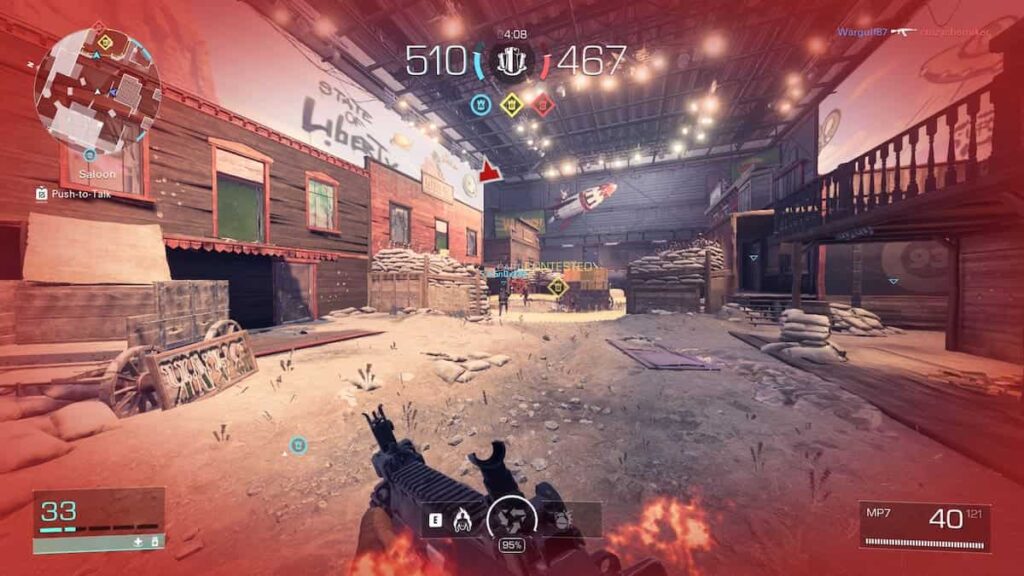
Troubling players since the launch of XDefiant, the ‘Playlist Not Found’ error is among the more annoying issues. This is by far not the only issue the game had encountered on and after its release. Luckily, developers are aware of the problem like this one and are working to resolve them. Until then players can try some things to fix this problem themselves and return to playing XDefiant in no time.
Ways to Fix ‘Playlist Not Found’ Error in XDefiant
XDefiant had a turbulent launch, and encountering a ‘Playlist Not Found’ error has frustrated players ever since. The issue has arisen due to server problems, so checking the server status is recommended before trying anything else. If for some reason XDefiants servers are down, the only thing to do is wait for them to come back online before trying to play the game again. On the other hand, if the servers are working properly you can try to fix this issue by using one of the ways listed below.
Change XDefiant’s Playlist
Changing a Playlist in XDefiant can resolve ‘Playlist Not Found’ issues. When the game is started, the Playlist is set to Welcome Playlist by default, but it can be changed. This is done by picking one of the mode playlists located next to the Welcome Playlist. Alternatively, players can create their unique playlists combining various other playlists into one.

Restart XDefiant
Sometimes, the game will encounter bugs and other issues which can cause problems like ‘Playlist Not Found’. This can be easily resolved by restarting the game, or by restarting a platform you play the game on. Just make sure that you have closed XDefiant fully before trying to start the game again.
Restart Your Router
A weak or unstable internet connection can be the cause for the error ‘Playlist Not Found’ to appear. Restarting your router is a way to ensure that the internet connection is stable and strong, and that can fix this issue. Unplugging the router from its power source and waiting a few moments before plugging it back in will do the trick. Now the only thing left to do is wait for the router to fully boot back up before trying to play XDefiant again.