

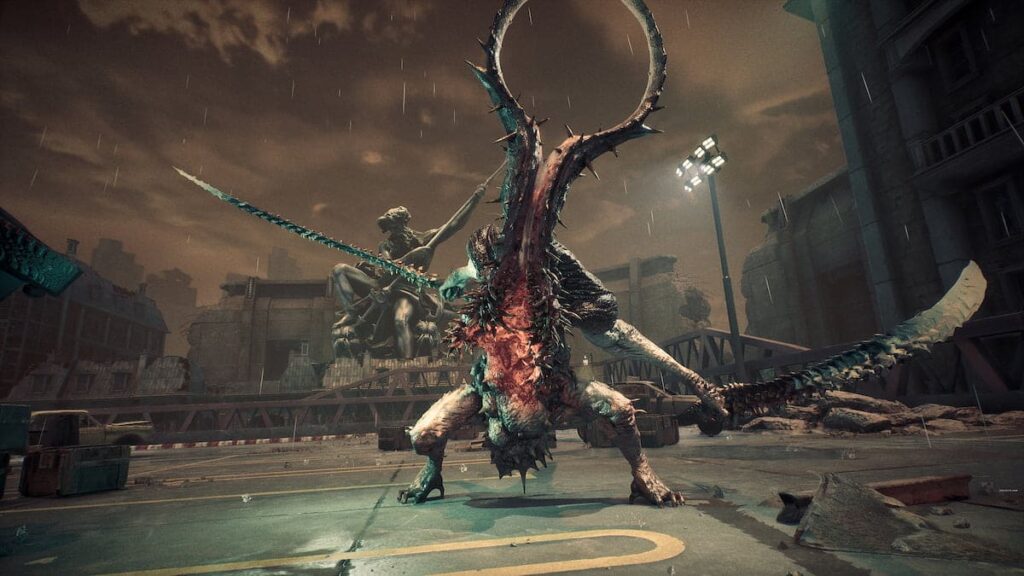
Stellar Blade’s release date is nearing, but if you are eager to play the game why not try its demo? After an accidental leak, the game demo got a release date, and it’s now here. It is always nice to try the game before its release to see if the final product is for you. So stick with us and we will explain how to play the Stellar Blade Demo on PS5.
How to play Stellar Blade Demo on PS5
Stellar Blade Demo was released on March 29, 2024, and to play it you have to download it first from the PlayStation Store. Sometimes it can be tricky to locate the Demo option for the game. Here’s a step-by-step guide on how to download the Stelar Blade demo using the PlayStation Store:
- Start up your PS5 console
- Go to the PlayStation Store
- In the search bar type Stellar Blade
- Select the Stellar Blade icon
- Click on the three dots located next to “Wishlist”
- Select Demo and press the Download option
- Wait for PS5 to finish the download and installation process
- Play and enjoy the Stellar Blade Demo.
How long is the Stellar Blade Demo?
It should take players about 60 to 90 minutes to finish the Stellar Blade demo. Keep in mind, that it might take you longer than that to finish it. This depends on how skilled you are with this type of game and the difficulty you choose.
Moreover, if you want to enjoy the game’s gorgeous scenery and explore the world fully, it will add up to the playtime. On the other hand, if you just want to fly through the demo and finish it in record time, it will take you under an hour to finish.
For more information about Stellar Blade check out our other articles on How to unlock and get Skin Nano Suit in Stellar Blade, Who Is the Main Character in Stellar Blade, and Is Stellar Blade Going to Be Released on Xbox.