

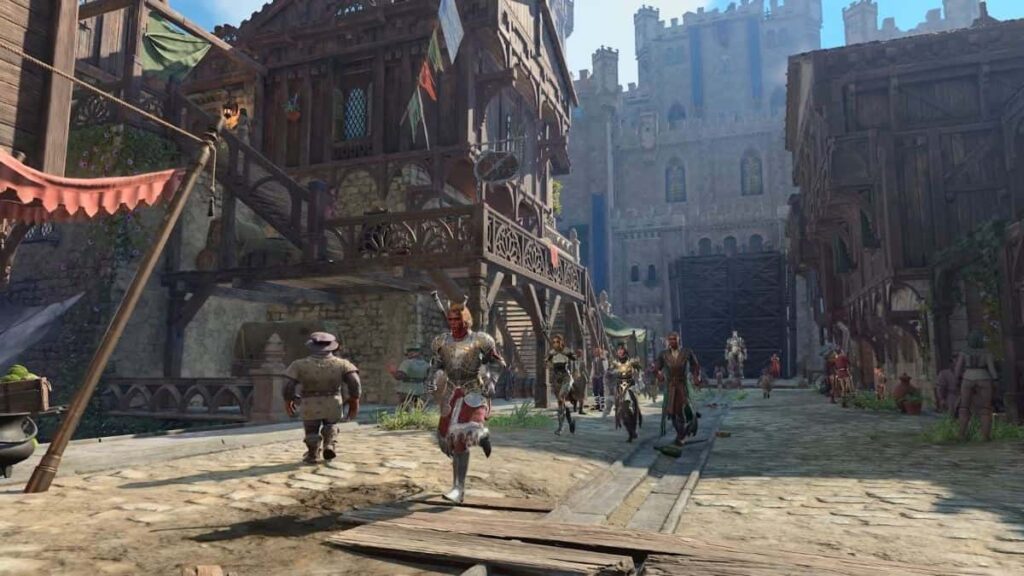
Baldur’s Gate 3 is the long-awaited sequel to the Baldur’s Gate franchise, released in August 2023. The game is still very fresh so how will older PCs manage it, what are the best settings for a low-end PC to play Baldur’s Gate 3? Let’s see.
Baldur’s Gate 3 looks like a tough one to run. Having the best possible Processor and Graphics card will go a long way in running the most demanding parts of the game. Thankfully, there are a ton of settings for you to modify as you like, to make the game run as best as your PC allows.
Best Settings for a Low-end PC for Baldur’s Gate 3
Naturally, it is best to pick the lowest Overall Preset. Alternatively, you can let the game auto-detect your specs and let it set up your settings. The game is quite new at the moment, but still very well-optimized, so even older PCs can run it. If you find that the game runs smoothly with everything set on Low, you can then slightly alter some settings to see how it works out.
For example, you can increase the Model Quality to Medium, Texture Quality to Medium, Texture Filtering to Anisotropic x2, and Anti-Aliasing to SMAA. Try these settings out, cast some Spells, enter some more demanding areas, etc. If the game is still running pretty well, try increasing the Animation Detail and Subsurface Scattering. Keep doing this until you reach the best possible Settings that your PC can pull off without damaging performance. Be sure to check the minimum System Requirements for Baldur’s Gate 3, so you can have an idea of how well your PC will perform in the first place.
Baldur’s Gate 3 System Requirements
MINIMUM:
- Operating System: Windows 10 64-bit
- Processor: Intel i5-4690 / AMD FX 8350
- Memory: 8 GB RAM
- Graphics: Nvidia GTX 970 / AMD R.X 480 (4GB+ of VRAM)
- DirectX: Version 11
- Storage: 150 GB available space on an SSD
RECOMMENDED:
- Operating System: Windows 10 64-bit
- Processor: Intel i7 8700K / AMD r5 3600
- Memory: 16 GB RAM
- Graphics: Nvidia 2060 Super / AMD RX 5700 XT (8GB+ of VRAM)
- DirectX: Version 11
- Storage: 150 GB available space on an SSD
Check out more BG3 articles by our team, like Is Mouse and Keyboard the Way to Play, How to Load Multiplayer Save, and How To Change the Camera Angle.