PSP homebrew update: KK’s PSP Radio gets screenshot support, shoutcast changes
Here’s KK himself talking about screenshot support in PSP Radio:
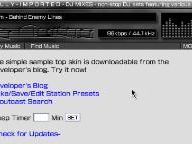
To take a screenshot, click on -Take Screenshot- in Menu under Sleep Timer. This will activate screen capture
. To capture, press and hold R shoulder button and then Start button (Start button is also used to deactivate screen capture). After screenshot is taken it is saved in PICTURE/RADIOPLAYER SCREENSHOT directory in .bmp format and could be viewed from XMB in the Photo menu.
Since this app works via Wi-Fi, the update can be downloaded via the source link below. You’ll have to access it directly from your PSP unit’s Internet browser though.