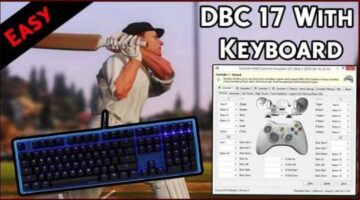
How To Play Don Bradman Cricket 14 With Keyboard (2019 Guide)
The method that Works without VJoy
Are you trying to play Don Bradman cricket 14 on pc with keyboard or don’t have gameplay controller? But want to play it via classic controls. Then don’t worry! In this post, I’ll show you the exact method which I’ve used to play DBC 14 with controls.
Note: You can also play Don Bradman cricket 17 with this method.
So, let’s begin with the main point. Read this guide carefully unless you’ll find it difficulties. Follow some simple points below in order to play Don Bradman Cricket 14 using your keyboard controls:
1. Firstly, you need x360ce and VJoy to map your keyboard to your game. You can download these from the following links: DBC Keyboard Controls
2. This two software comes in an Archive, and you need to extract them. You can use WinRAR or 7Zip for this purpose.
3. Now extract VJoy & x360ce from that archive and run ‘VJoySetup.exe.’