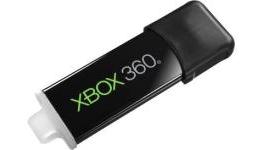
Updating an Xbox One with a USB stick is a three-step process
Much like the PS4, prospective Xbox One owners can download the system's day-one update early to a USB stick. The process is listed on Microsoft's support page as an "emergency offline update" procedure, and boils down to a few simple steps.
Those looking to update their systems offline will need a USB stick with at least two gigabytes of space on it, and will need to format it as NTFS on their computers. After checking their OS version on their Xbox One consoles, they can then download one of two compressed files to their computer from the Xbox support page, unzip them and copy the contents to the root of the USB stick. Given that the system isn't out yet and players can't check for their OS version, those looking to get a head start on the process will need to account for that missing nugget of information.