

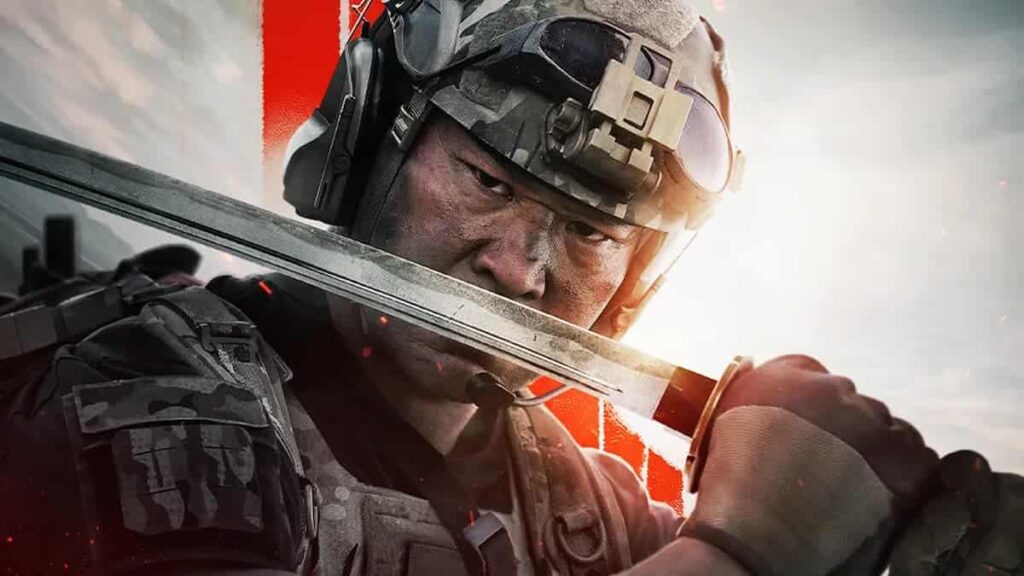
Call of Duty: Modern Warfare 2 is a first-person shooter video game developed by Infinity Ward and published by Activision. The game offers an intense and immersive gaming experience, featuring both single-player campaigns and various multiplayer modes. Set in a fictionalized world where a global conflict unfolds, Modern Warfare 2 allows players to experience thrilling combat scenarios and tactical challenges.
Voice chat is a key communication feature in Modern Warfare 2, especially in multiplayer modes where teamwork and coordination are crucial. It allows players to communicate in real-time, share information, and strategize with their teammates.
More N4G Unlocked: Is Call of Duty Still Popular in 2023?
How To Fix Voice Chat Not Working in Modern Warfare 2
Fixing voice chat not working in Modern Warfare 2 may require trying different solutions, as the issue could be caused by various factors. Here are some common solutions to help you resolve voice chat problems in the game:
- Check your microphone and audio settings:
- Ensure your microphone is properly connected and functioning. Adjust your in-game audio settings by navigating to the game’s options menu and making sure voice chat is enabled.
- Update your audio drivers:
- Outdated or corrupted audio drivers can cause voice chat issues. Update your audio drivers to the latest version from your device manufacturer’s website or through the Device Manager on Windows.
- Restart the game and your device:
- Sometimes, simply restarting the game or your computer/console can resolve temporary issues with voice chat.
- Disable or adjust third-party software:
- Some third-party software, such as VPNs, firewalls, or antivirus programs, can interfere with voice chat. Try disabling or adjusting these programs’ settings to see if the issue is resolved.
- Check NAT type:
- A strict NAT type can cause voice chat problems in Modern Warfare 2. To fix this, try forwarding the necessary ports in your router settings or enabling UPnP. Consult your router’s manual or the manufacturer’s website for specific instructions.
- Verify game files:
- If you’re playing on PC, use the game launcher (e.g., Steam, Battle.net) to verify the integrity of the game files. This can help fix any corrupted or missing files that could be causing voice chat issues.
- Reinstall the game:
- Try reinstalling Modern Warfare 2. This can help eliminate any lingering issues with the game files or settings that might be causing voice chat problems.
More N4G Unlocked: All Call of Duty Warzone Season Start and End Dates
Keep in mind that some issues may be temporary and related to the game servers or platform services, including Xbox Live, PlayStation Network, Steam. In such cases, it’s best to monitor the official game forums and social media channels for updates on any ongoing issues.
Why Is My Voice Chat Not Working in Call of Duty Modern Warfare 2?
There are several possible reasons why voice chat may not be working in Call of Duty: Modern Warfare 2. Issues with your microphone or headset, such as disconnections, muted devices, or improper functioning, can lead to voice chat problems. Similarly, in-game settings could be incorrectly configured or disabled, so checking the game’s audio options is essential. Outdated or corrupted audio drivers can also cause voice chat issues, so keeping them up-to-date is important. A strict NAT type might be another factor, and resolving it may require forwarding ports in your router settings or enabling UPnP.
Furthermore, conflicts with third-party software like VPNs, firewalls, or antivirus programs might interfere with voice chat functionality; adjusting or disabling these programs’ settings could help. Corrupted or missing game files can also create voice chat problems, necessitating the verification of game files (on PC) or even reinstalling the game.
Lastly, temporary server or platform issues, such as those with Xbox Live or PlayStation Network, can affect voice chat performance. In these cases, waiting for the developers or platform service team to resolve the issue may be the only option.
Stick with N4G Unlocked for all things gaming, including guides, lists, features, and more.